



Skip to content
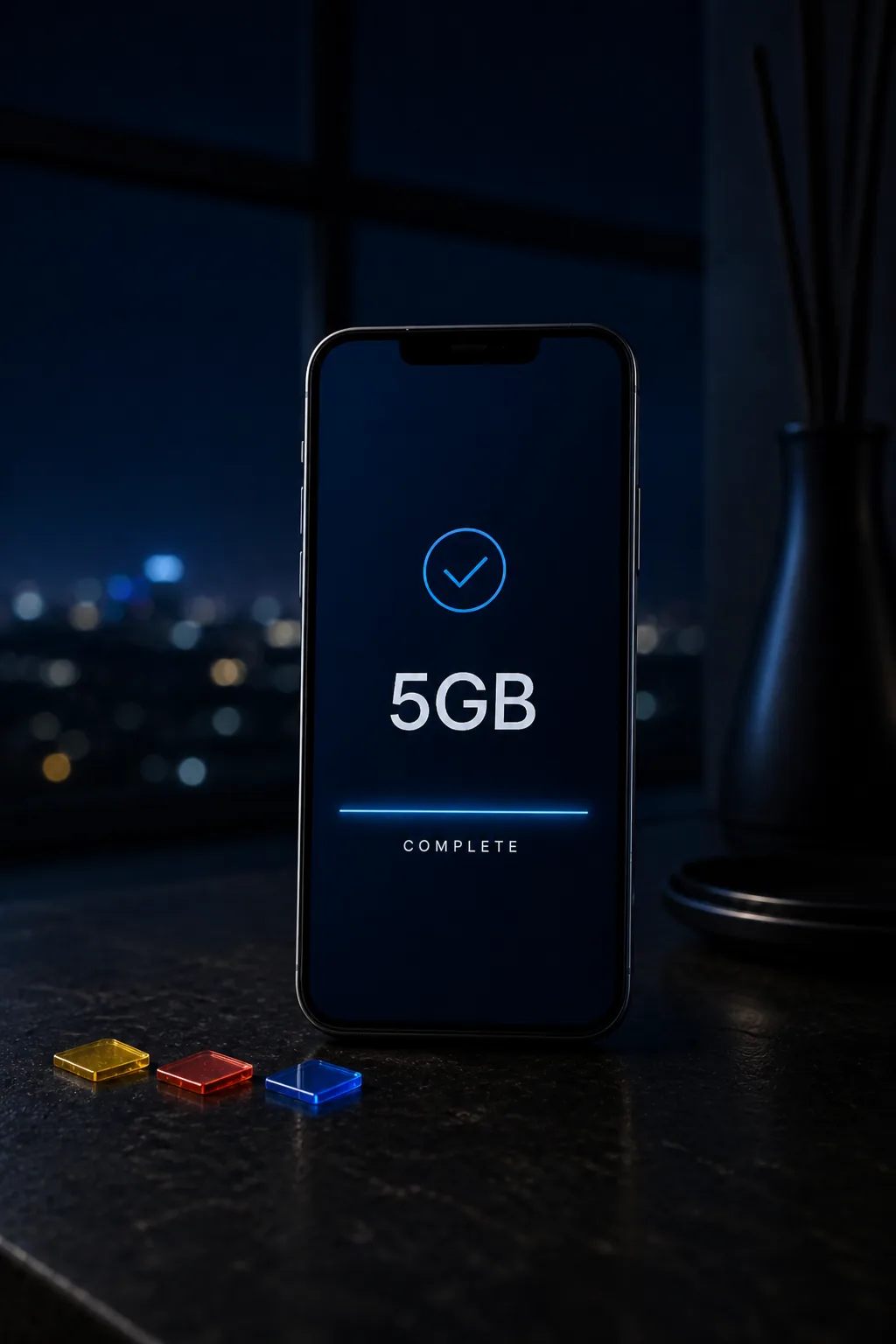
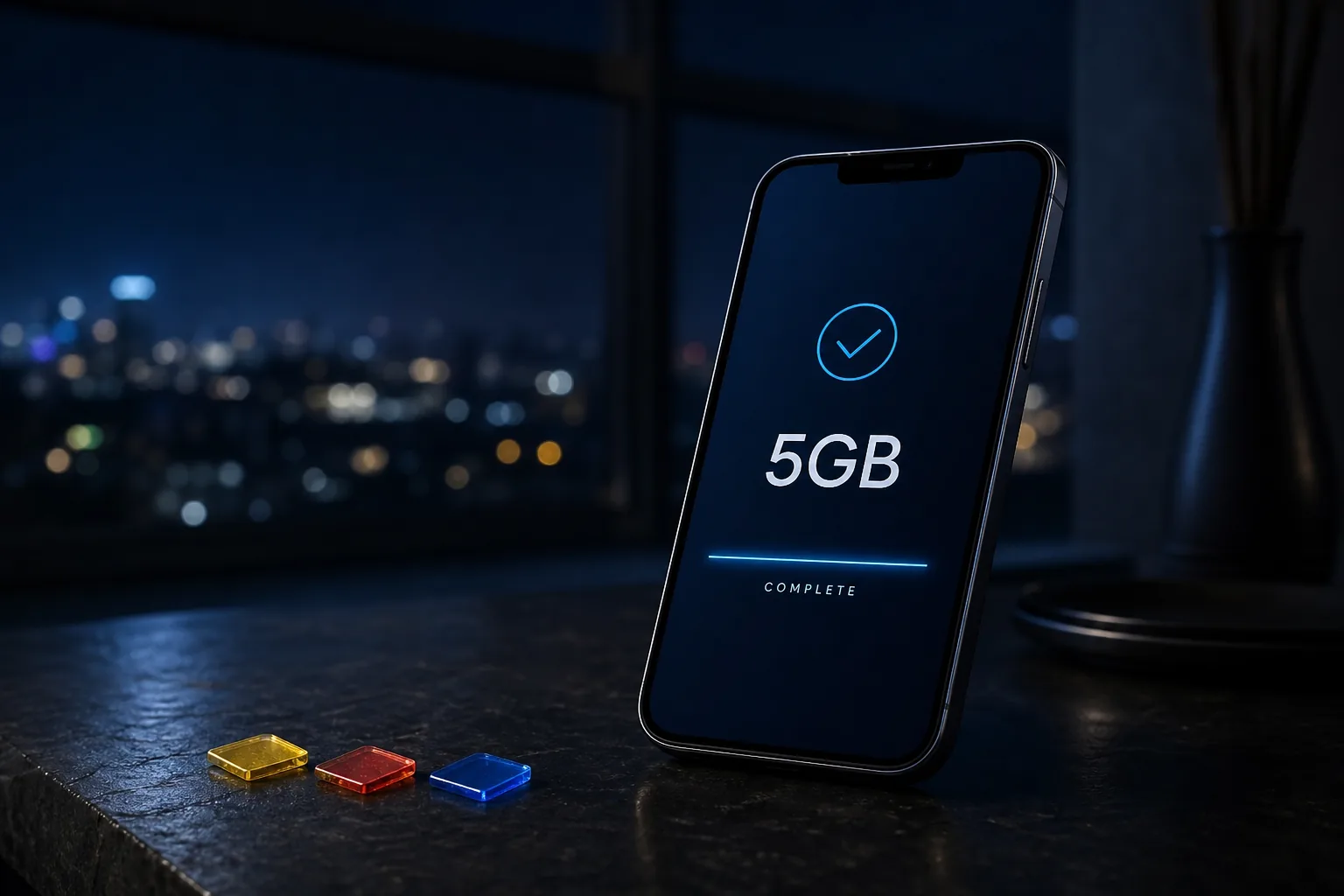
A phone on a quiet desk showing a Ghana data send on DADEY

Three networks. One counter.

Pick MTN, Telecel, or AirtelTigo, type the number, and pay with MoMo or card. No account for a one-off send. If you sell top-ups, keep a wallet and your own rate.

Public desk

Send data to any Ghana number from one checkout

  • MTN, Telecel, and AirtelTigo on the same counter
  • Type the number, pay with MoMo or card
  • No account for a one-off send
  • Keep a reference if the bundle stalls
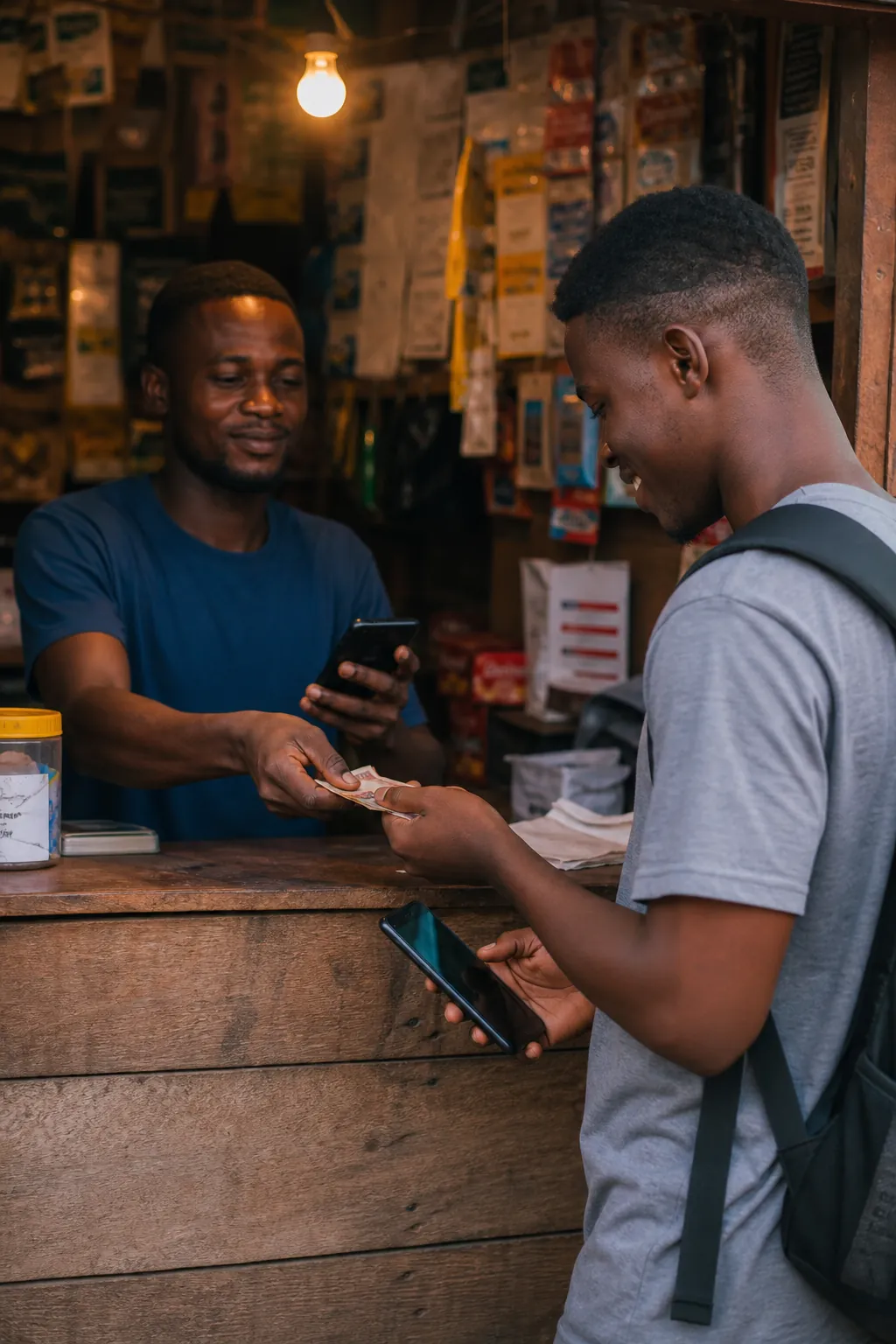
A customer at a quiet Ghana kiosk checking that a data send went through
Agent wallet

Sell to the person in front of you at trade rates

  • Load cedis once with MoMo or card
  • Buy at trade prices from a ledgered wallet
  • Serve hostel, kiosk, and market customers from one screen
  • A trail of every send, not a notebook
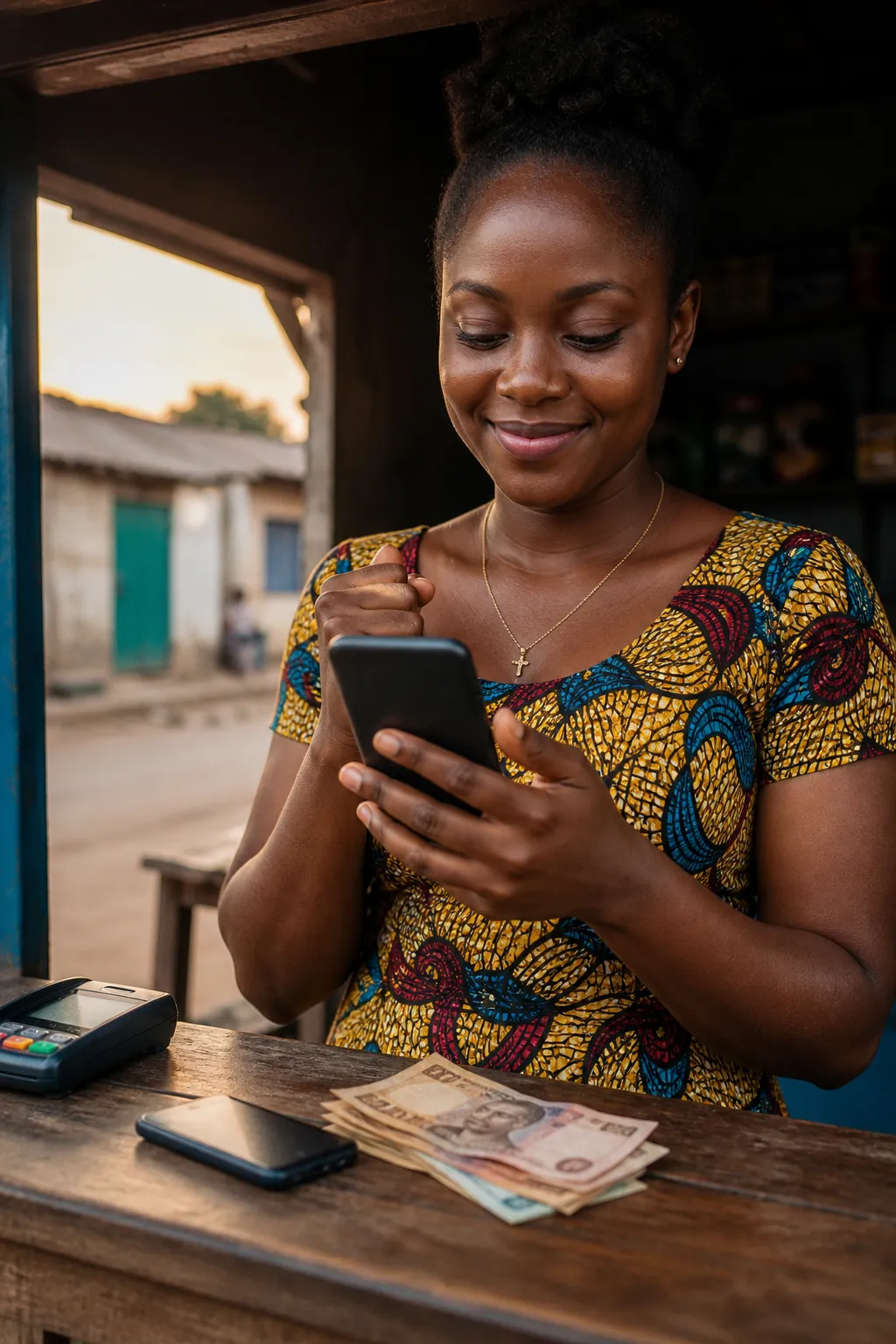
A kiosk seller taking payment and sending a top-up to the person in front of them
Household desk

Pay ECG, water, and buy exam checkers without the queue

  • Prepaid meters and Ghana Water from the same wallet
  • WAEC and BECE PINs with a receipt
  • TV renewals next to the bundles
  • Confirm the meter or account before you spend
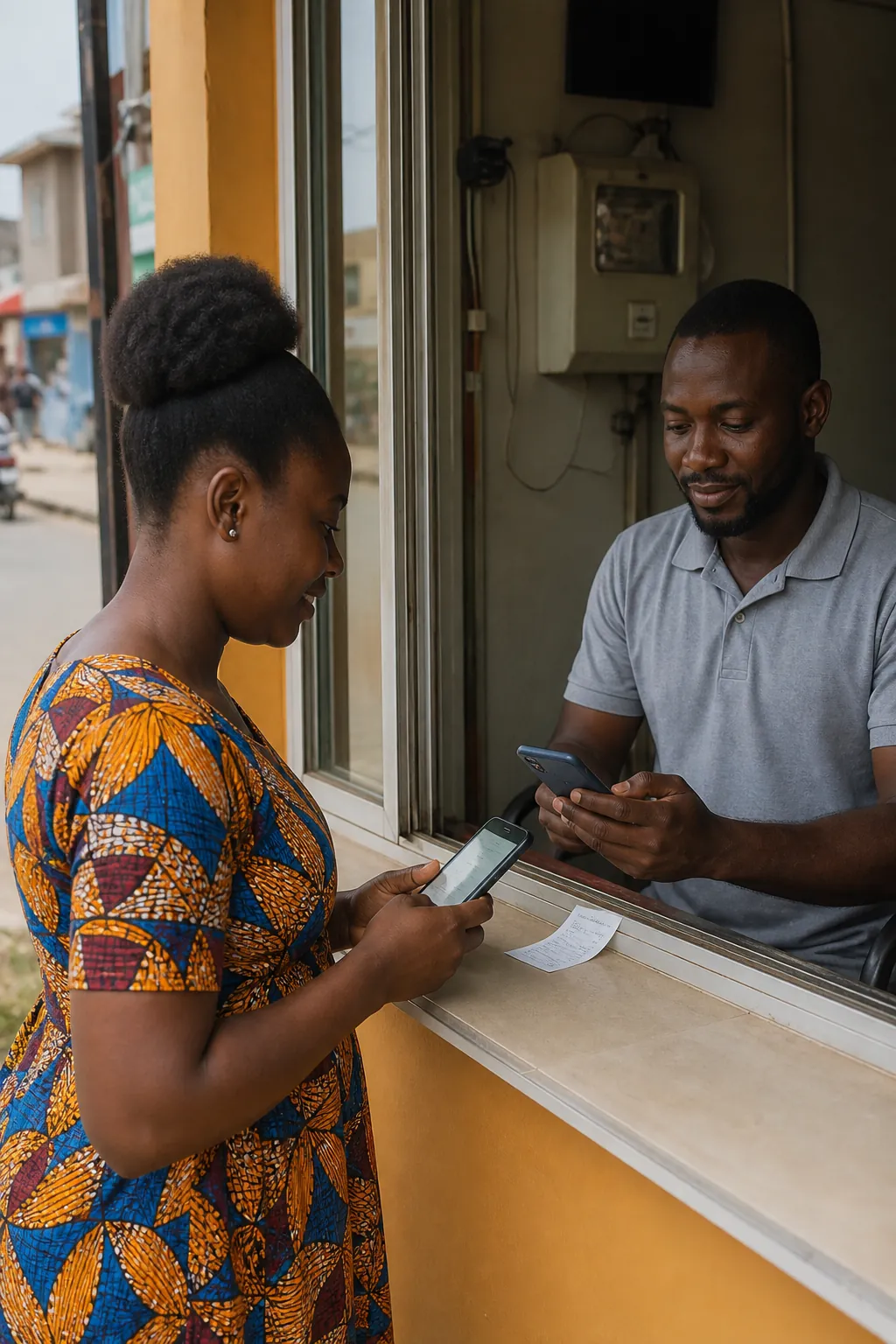
Paying a Ghana household bill from a small shop counter instead of an office queue
One counter

The DADEY desk, from your own line to the person in front of you

  • Three networks without three operator apps
  • The price on screen is the price
  • Prefix check before you pay
  • Support on a Ghana business day
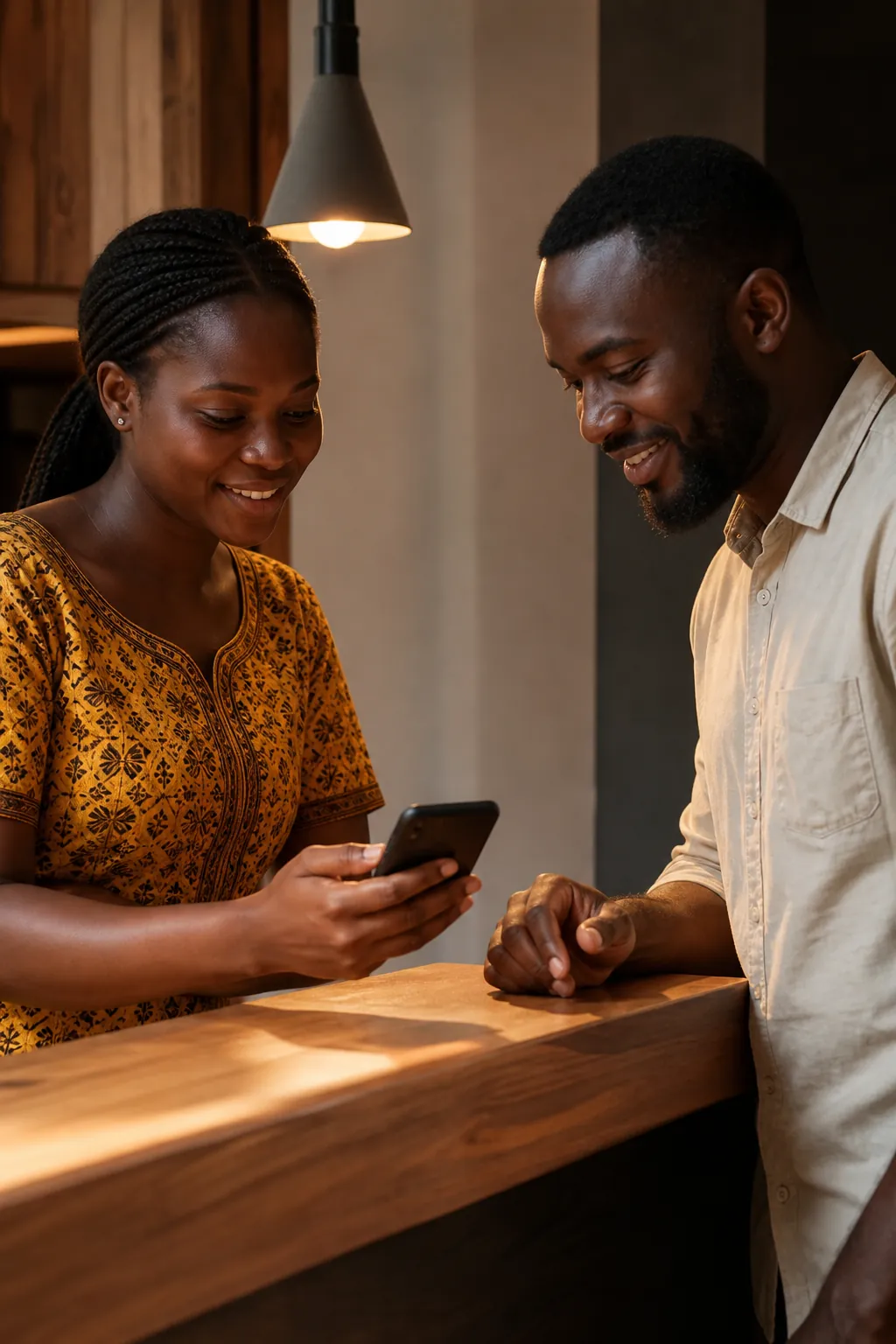
An attendant and a customer finishing a send together at one quiet desk

Pick the product the phone in front of you actually needs

Open MTN, Telecel, or AirtelTigo, pick a size, and send it to the Ghana number that should receive it.

Open the data desk
A phone on a quiet desk showing a Ghana data send

Why DADEY exists

We built a Ghana top-up desk so filling a phone does not mean three operator apps and a shrug when the bundle never lands.

DADEY is the desk. The phone is the destination.

Send data